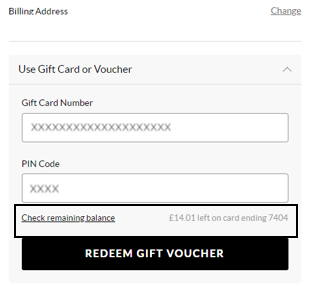
To view your balance on a Gift card or eVoucher you will need to add your
items to the basket first and then once you've selected your delivery option
you will be taken to the payment section. You will be presented with all
the payment options available for your order. Select ‘Use Gift Card or eVoucher’
and enter your eVoucher/credit note code and pin number and then select ‘Check remaining balance’,
you will then be able to see your balance.